
Corporate Business Email Setup & Migration
Protect your brand reputation and ensure every business proposal reaches the primary inbox. We configure, secure, and migrate corporate email suites (Google Workspace, Microsoft 365, or Private Zimbra) with strict SPF, DKIM, and DMARC enforcement.
Production Engineering & System Design
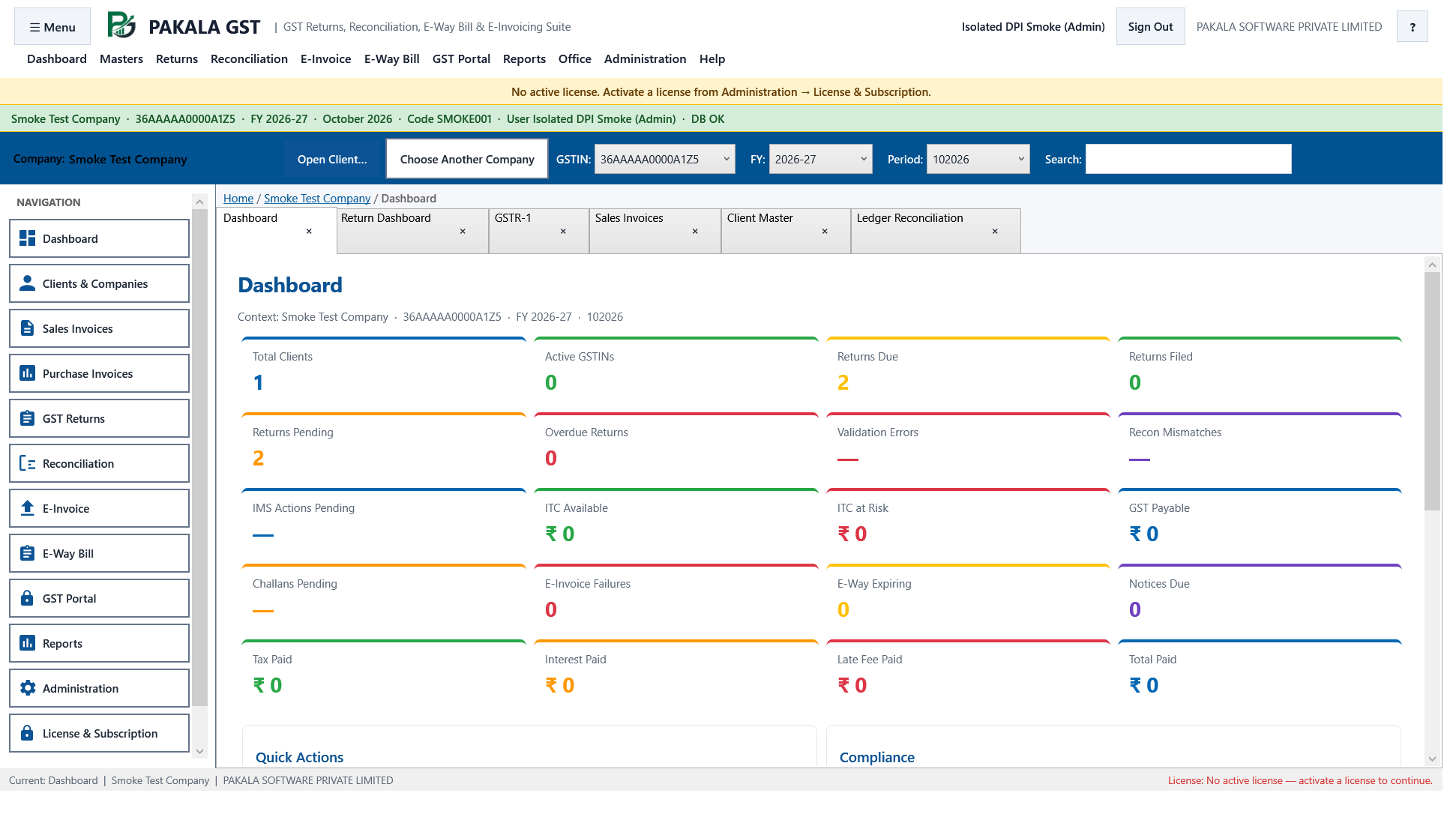
Every corporate deployment demands rigorous engineering discipline. We avoid bloated generic frameworks in favor of clean, strictly typed, deterministic logic that maintains data integrity, handles edge cases gracefully, and scales seamlessly across multi-node topologies.
Engineering Guarantees
- Data Integrity ACID transactions, strict foreign key constraints, and mathematical double-entry ledgers.
- Security & Encryption AES-256 at rest, TLS 1.3 in transit, and granular Role-Based Access Control (RBAC).
- Observability Real-time Prometheus telemetry, structured JSON audit logs, and automated uptime alerts.
- Zero Vendor Lock-in Self-contained Docker compose or native binaries with zero mandatory monthly seats.
Cryptographic Domain Authentication
Configure and test SPF, DKIM 2048-bit keys, and DMARC policy enforcement to eliminate spoofing and guarantee delivery to Gmail and Outlook inboxes.
High-Volume Mailbox Migration
Migrate gigabytes of email history, folder hierarchies, address books, and calendar appointments from legacy cPanel or GoDaddy without missing incoming messages.
Data Loss Prevention (DLP) & Archiving
Implement automated outbound data loss prevention rules that block staff from accidentally emailing customer credit cards or tax files.
BIMI & Corporate Avatar Setup
Display your verified corporate company logo next to your emails in customer inboxes with Brand Indicators for Message Identification (BIMI).
Technical & Operational Matrix
Detailed capability and architectural benchmarks for this service.
| Email Metric | Pakala Managed Business Email | Free Generic Webmail (cPanel) | Unconfigured Cloud Email |
|---|---|---|---|
| Spam Folder Rate | < 0.5% (Strict DMARC & clean IP) | High (> 35% sent to spam due to blacklisted shared IP) | Moderate (often unauthenticated SPF/DKIM) |
| Domain Spoofing Protection | Strict DMARC "p=reject" policy stops impersonators | Zero spoofing protection (anyone can send as you) | DMARC left unset (vulnerable to phishing) |
| Migration Data Integrity | 100% email, calendar, and contact transfer | Manual MBOX exports requiring user re-import | Basic IMAP sync missing calendar invites |
| Ongoing IT Support | Direct engineer support for password resets & setup | Zero technical support from web host | Generic automated help center articles |
4-Step Production Implementation Framework
From initial database modeling to audited production deployment.
Domain & Reputation Audit
Checking domain DNS records, MX routing, existing spam blacklists, and mailbox storage volume.
DNS Security Record Setup
Configuring hardened MX, SPF, DKIM, and DMARC records with email deliverability testing.
Background Mailbox Migration
Syncing historical emails and folders in the background while users continue working normally.
Final MX Cutover & Mobile Setup
Executing final delta synchronization, switching MX records, and configuring mobile client devices.
Frequently Asked Technical & Commercial Questions
Straightforward answers directly from our senior engineering and solutions team.
Q: Why are our business emails currently landing in our clients’ Spam or Promotions folders?
Most commonly, your domain is missing proper cryptographic authentication (DKIM and DMARC), or your shared web hosting IP has been blacklisted due to spam from other tenants. We fix your DNS records and reputation so messages land in primary inboxes.
Q: Will our employees lose any existing emails or folder structures during migration?
No. Our automated migration engines replicate your complete folder tree, read/unread states, sent items, and attachments with 100% bit-for-bit fidelity.
Q: What is DMARC and why is it mandatory for business email in 2024?
Google and Yahoo now strictly mandate DMARC authentication for domain senders. Without a valid DMARC record, major email providers will reject or spam your outgoing business communications.
Q: Can we create department alias addresses like sales@ and support@ without paying extra?
Yes. Both Google Workspace and Microsoft 365 allow unlimited free email aliases and collaborative shared mailboxes that distribute incoming emails to multiple team members.